A woman recently had a troubling experience when the 7,500 tabs she kept open on her Firefox browser for two years suddenly crashed.
The incident left her seeking assistance from others to recover her lost tabs.

For many internet users, the practice of keeping numerous tabs open simultaneously is a subject of debate.
Some prefer to browse the internet without too many open tabs, while others collect tabs for later use. But this woman went to the extreme and kept a whopping 7,500 open web pages over two years.
On social media, she expressed her frustration that Firefox had refused to restore her session, leaving her with an overwhelming feeling of losing all her accumulated information.
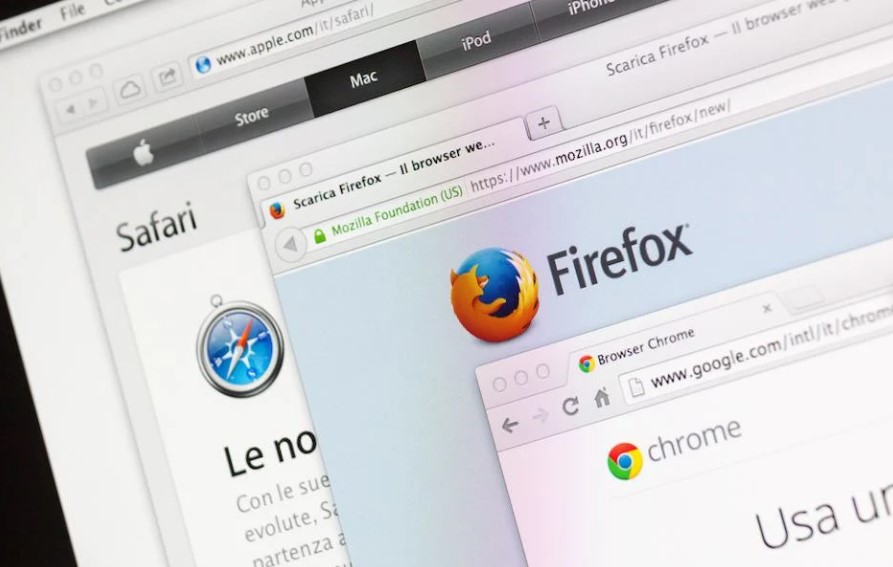
The revelation of her extensive tab collection astonished fellow internet users, who could hardly fathom navigating through such a vast array of tabs.
Fortunately, the woman was able to restore her extensive collection of tabs using Firefox's profile cache function.
Within a minute, her 7,470 web pages made a comeback, and she expressed gratitude to online users who provided information on how to restore those tabs.

Surprisingly, the impact on her laptop's memory was minimal, and the tabs did not significantly slow down her device's speed.
The session file containing tab information only occupied around 70MB, and Firefox loaded tabs into memory only when they were accessed.
This efficient memory management by Firefox allows for a smooth browsing experience, even with an extensive tab collection.

There is a website called PimEyes that has become famous as the "most disturbing website on the internet."
It claims to have the power to find all the pictures of a person that are available online. This is done by using advanced AI technology to search the internet after uploading a photo of the person.

The basic service offered by PimEyes is free, allowing users to upload a snapshot of themselves and conduct a search.
Within several minutes, the website presents a collection of images sourced from various platforms such as Facebook, LinkedIn, and even professional work profiles.
However, the accuracy of the results may not always be perfect, and there might be some false matches included.
If users want a more detailed search and access to the websites where their pictures are found, they can choose to pay for an upgraded search on PimEyes.

This option is beneficial for people who want to remove their pictures from specific sources.
Additionally, PimEyes offers an "opt-out" choice, which lets individuals prevent their pictures from appearing in other people's searches. However, confirming one's identity is necessary for this process, and it involves submitting a scanned ID or passport.